
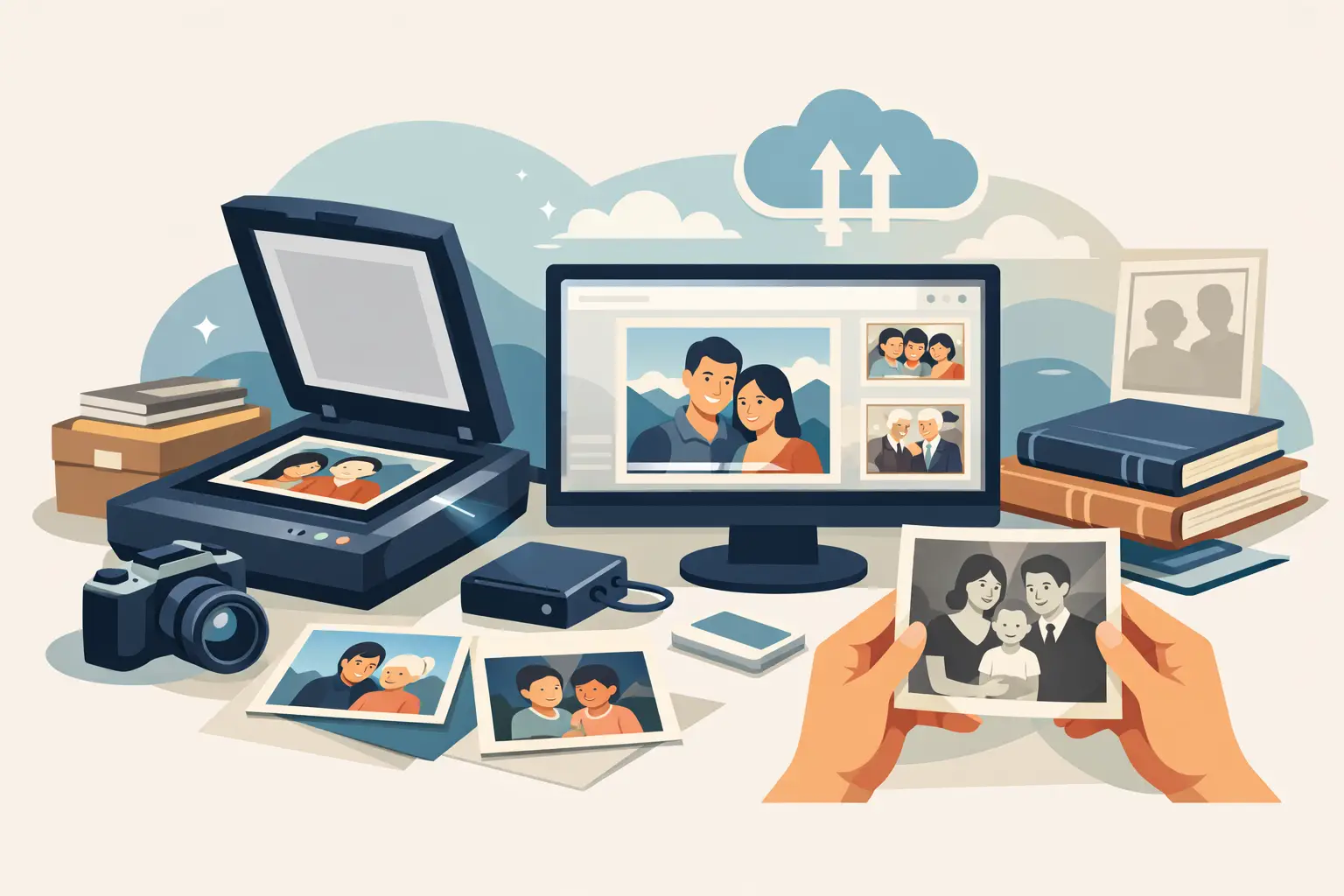
An album after grandparents often looks modest: yellowed pages, photographs slipped into corners, a few prints bent at the edges. Each of them may be the only surviving frame from a parent’s childhood, a wedding or a family holiday. A professional photo scanning service can protect those images before fading, dust and further years take the detail away.
Digitisation is not only making a copy. A well-prepared file should keep the character of the original, be comfortable to view on a phone and a computer, and form a safe base for printing, retouching or sharing the story with relatives. The original remains an important keepsake, but it stops being the only carrier of the memory.
A photo scanning service — what do you actually receive?
A scan of a photograph is different from a picture taken with a phone. A smartphone camera can help when you want to show someone a print quickly, but reflections, uneven light, a skewed perspective and lost fine detail are easy. A scanner records the image evenly, so a face, background, writing on the reverse or the texture of clothing is clearer.
In a professional service the preparation of the material also matters. Prints are handled carefully, and digital files can be organised and delivered in a format suited to later use. JPG is practical for viewing, sending to the family and private albums. TIFF is a good choice when you want a high-quality file for archiving, further work or large prints.
It is worth separating two things: scanning preserves the photograph’s current look, while retouching can reduce the visibility of damage. Not every print needs restoration. Sometimes its authentic patina is the most valuable part. If a scratch has appeared on a face, the photograph is faded or a piece of background is missing, careful work can restore readability without an artificial effect.
600 or 1200 DPI? Resolution matters
DPI describes how much detail a scanner records from one inch of the print. You do not have to memorise the parameter, but its practical meaning is worth understanding. Scanning photographs at 600 DPI works for most family archives: it keeps good quality and prepares files for viewing and standard reprints.
1200 DPI is worth considering for small photographs, ID portraits, prints with many fine details, or when you plan an enlargement. Higher resolution will not, however, repair a blurred original. If the picture was unsharp when it was taken, the scan will faithfully keep that quality. It can still reveal details that were previously lost in a small print format.
The best choice depends on the material and the purpose. For a home archive of several hundred prints, 600 DPI is usually a reasonable solution. For especially important, small or badly damaged photographs, a larger file gives more freedom during later restoration and print preparation.
Natural retouching instead of excessive smoothing
Restoring an old photograph needs judgement. Removing dust, small scratches, colour stains or crease marks can greatly improve how a frame is received. Too strong an intervention can take away its truth: skin becomes unnaturally smooth, fabrics lose structure, and a face no longer resembles the person in the photograph.
Good retouching should therefore be discreet. Its aim is to restore the visibility of important elements, not to change the history recorded on the print. The same applies to colourising black-and-white portraits. It can bring a family likeness to life, provided it is based on the period, the light and natural colour, not random, intense hues.
How to hand over family photographs for scanning safely
For many people the greatest worry is not file quality, but sending the only originals. That is entirely understandable. An album may hold photographs that cannot be recovered anywhere else, so the way materials are handed over should be clear from start to finish.
Before shipping, do not force photographs off album pages or flatten prints that are fragile or cracked. It is better to separate loose photographs from documents and describe the parcel if the archive should be scanned in a particular order. Secure prints against shifting in the carton with rigid interleaving and suitable filling.
At StareZdjęcia materials can be handed over in person or sent by courier. After the work the client receives protected digital files, and the originals return in an insured parcel. That model lets you order digitisation regardless of where you live, without giving up control of the family archive.
Decide in advance whether you want to keep the album as a whole or digitise individual prints. Photographs that are glued in, signed or surrounded by notes often have more value than the frame alone. In such cases scanning whole pages can make sense, to keep the context and layout of the family story.
From a parcel of prints to an archive for the whole family
The most convenient process starts with choosing a package matched to the number of photographs and the result you expect. Then you prepare the materials for handover. After scanning, files are saved digitally and can be delivered as JPG or TIFF, depending on the option. Originals return to you, and digital copies become available without taking every album out of the cupboard.
This is the moment when a family archive starts to live again. You can send photographs to siblings, show grandchildren the youth of their great-grandparents, prepare an anniversary gift or order a new print of a favourite portrait. A digital frame with a prepared slideshow lets you look at many frames without stacking more prints on a shelf.
A good practice is to keep copies in more than one place. Keep files on your own computer or drive, and give an extra copy to a close relative or a physical medium. That simple protection helps against accidental deletion and stops family photographs being locked in a single device.
Do not wait until photographs start to disappear
Paper prints age quietly, almost unnoticed. First colours fade, then stains appear, and at last small facial details become hard to recognise. The earlier a digital copy is made, the more of the original image can be kept.
You do not have to start with the whole archive. Sometimes it is enough to choose a few dozen of the most important photographs: portraits of grandparents, childhood pictures, wedding frames, images of the family home. Those are often the start of a story relatives return to most willingly. Saved today, tomorrow they may remind someone not only of a face, but of a history they have not yet heard.