
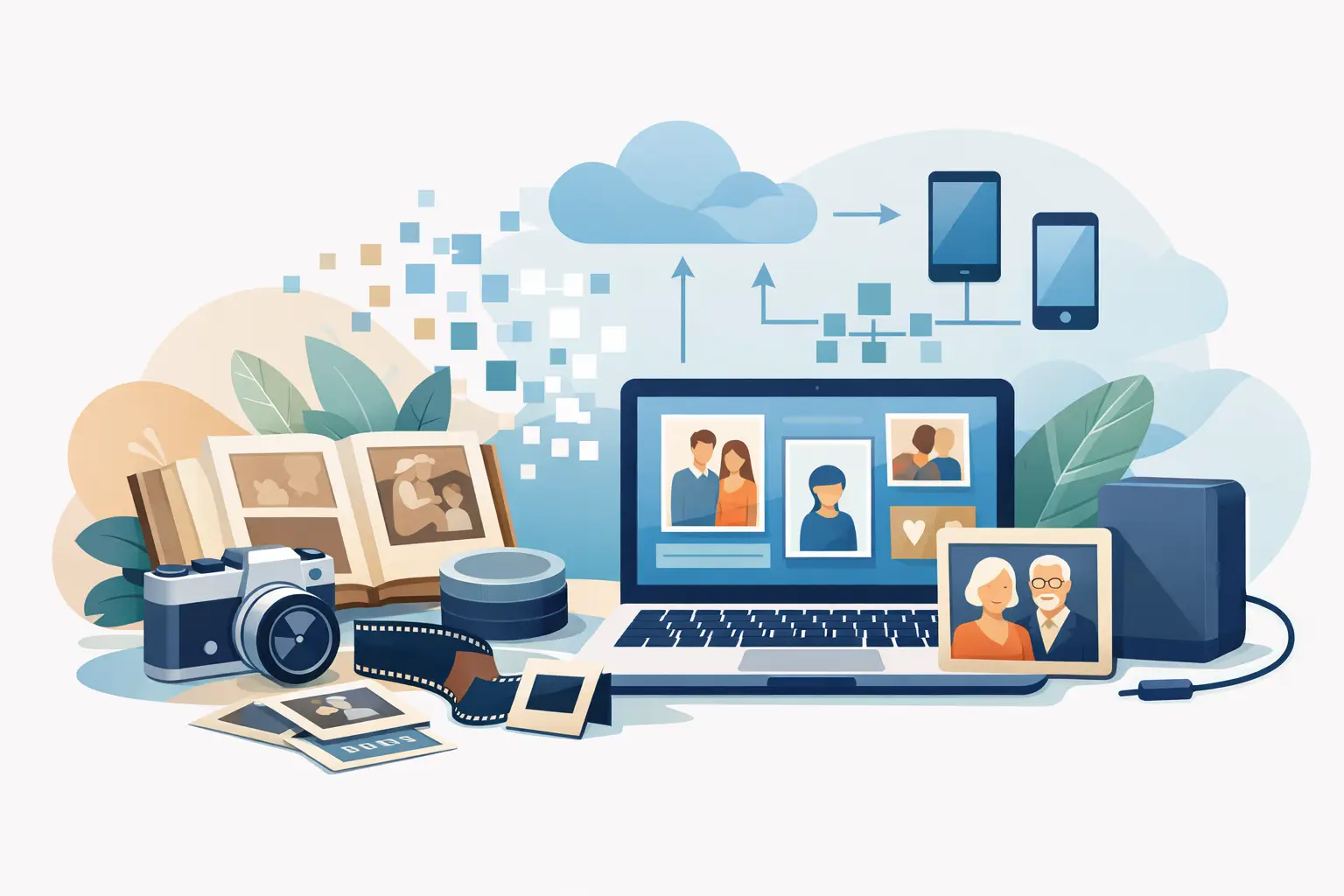
A box of photographs after parents, an album of yellowed prints and a VHS cassette of a child’s first birthday can hold more than an image. They hold voices, faces and moments you cannot return to in any other way. This guide to digitising family archives will help you organise the first steps, choose the right scanning quality and protect keepsakes without putting originals at risk.
Digitisation is not only moving a photograph or a recording onto a computer. Done well, it gives the family convenient access to memories, can restore details weakened by time and reduces the risk that the only print or cassette will stop working.
Start by assessing the family archive
You do not have to sort several decades of history at once. Open one box, one album or one drawer and calmly see what materials you have. Set paper prints, slides, negatives and video media apart. VHS, VHS-C, Hi8, Video8 and MiniDV cassettes need a different process from photographs, but they share one thing: time is not on their side.
With photographs, look for fading, colour loss, dust, creases, cracks and moisture marks. Do not try to remove dirt with water, alcohol or household cleaners. Even a well-planned action can damage emulsion or lift a fragment of an old print. If a photograph is stuck to another, badly wavy or torn, leave it as it is until a professional assessment.
Look at cassettes from the outside. Mould, a cracked housing, loose tape or a missing flap does not rule out digitisation, but it is a signal not to put the medium into a random recorder. An old device can eat the tape, and one playback may be the last.
Set priorities before you start
First choose the materials most at risk or most valuable to the family. That may be the only photograph of great-grandparents, a mother’s childhood album or a wedding cassette whose many participants are no longer alive. That order lets you act reasonably even when the whole archive numbers thousands of photographs.
A good idea is to write basic information on a sheet or in a simple spreadsheet: who is in the photograph, from which period it comes and whether it needs retouching. Do not stick notes directly onto prints. Label envelopes, interleaves or a separate list.
Which scanning quality works best?
Scanning resolution in DPI decides how much detail is recorded in the file. For most family prints, scanning at 600 DPI is a reasonable choice. It keeps a clear image, makes photographs comfortable to view on screen and allows good-quality prints at a similar or slightly larger size.
Scanning at 1200 DPI is worth considering for small photographs, portraits, prints that need precise retouching, or when you want enlargements. Higher resolution means larger files and longer work, but it can keep fine details not obvious at first glance — fabric texture, writing in the background or facial features.
More is not always better. If you digitise large, well-preserved prints only for a family gallery, 1200 DPI may not bring a noticeable benefit. What matters is matching quality to the condition of the material and the planned use of the files.
JPG or TIFF — two different uses
JPG files are convenient day to day. They are easy to send to the family, keep on a phone, show on a television or place in a digital frame. They take less space, so they work well as a format for using a finished archive.
TIFF is a larger file, meant mainly for archiving and further processing. It can be the right choice for especially important photographs, pictures for restoration or material you later want to print larger. In practice many families use both: TIFF as an archival copy and JPG for convenient sharing of memories.
Retouching should restore, not rewrite history
An old photograph often carries traces of life: scratches, dust, colour casts, stains or cracks. Digital retouching can reduce that damage, but its aim is not a completely new photograph. A natural result keeps the character of the original, facial features and the atmosphere of the moment.
Good restoration can remove small dirt, improve contrast, reduce colour casts and fill small losses. With heavy damage the scope depends on how much information remains. If a fragment of a face or background has not survived at all, a specialist may reconstruct it from context, but that will not be a literal recovery of the lost image.
Colourising black-and-white portraits is similar. It can bring an old photograph closer to a younger generation, but it should rest on the realities of the period and available clues. The colour of a dress, eyes or walls cannot always be confirmed. The best result is historically credible, without pretending to certainty where there is none.
Safe handover of originals matters
Many people delay digitisation because they worry about sending the only family keepsakes. That is understandable. Before handing materials over, count them, photograph whole sets and prepare a contents list. It is not about distrust, but about peace of mind and control at every stage.
Place photographs in envelopes or rigid interleaves, without tight rubber bands. Do not tear albums apart or force prints out. Secure cassettes against movement in the box and fill empty spaces with soft material. The parcel should be stable, but not overloaded.
A professional digitisation service should clearly explain how materials are received, labelled, how files are protected and how originals return. At StareZdjęcia the process can include an online order, courier shipping, digitisation, delivery of digital files and insured return of family keepsakes. That is especially convenient for people who want to save an archive but have no specialist point nearby.
Digitising tapes is often more urgent than scanning photographs
A photograph can fade for decades and still be viewed without equipment. A video cassette needs a working player, and those are becoming harder to find. Magnetic tape also loses properties with time. The picture may wave, sound fade, and the cassette mechanism may damage the recording during playback.
Moving VHS, VHS-C, Hi8, Video8 or MiniDV to an MP4 file lets you watch recordings on a computer, phone and television. It is also a chance to hear a grandfather’s voice, see a child’s first steps or return to a family celebration that has lain forgotten at the bottom of a cupboard.
Do not judge a cassette by the label. “Holiday 1994” may hide a few minutes of casual shots, or the only film of an important family gathering. Before digitisation, label the media and pass on everything you remember about their contents.
How to store digital memories after digitisation
Finished files are safer than the only paper photograph or an ageing cassette, but only if they have more than one copy. The simplest rule: do not keep the whole archive only on one computer disk.
Keep files in at least two independent places, for example on an external drive and in a safe online space. An extra copy can belong to a relative in another home. Then a device failure, theft or a flooded flat will not take everyone’s memories at once.
Create a simple folder structure by years, people or events. The name “1987_Anna_and_Piotr_wedding” will be far more helpful years later than “IMG_00482”. When you know names of people in photographs, add them in file names or a separate document. That small effort can save family context for grandchildren and great-grandchildren.
A digital archive does not have to stay on a disk. Selected photographs can be printed, prepared for an album or placed in a digital frame. Then pictures that lay in a box for years become part of everyday life again — not files to tick off, but part of household memory.
The best moment to start does not arrive on its own. Choose one box, one cassette and one story you do not want to lose. The rest of the archive can wait, but those first saved memories often give the family the impulse to look after the next ones.